
AI Agents for Small Business: What They Are and Where to Start
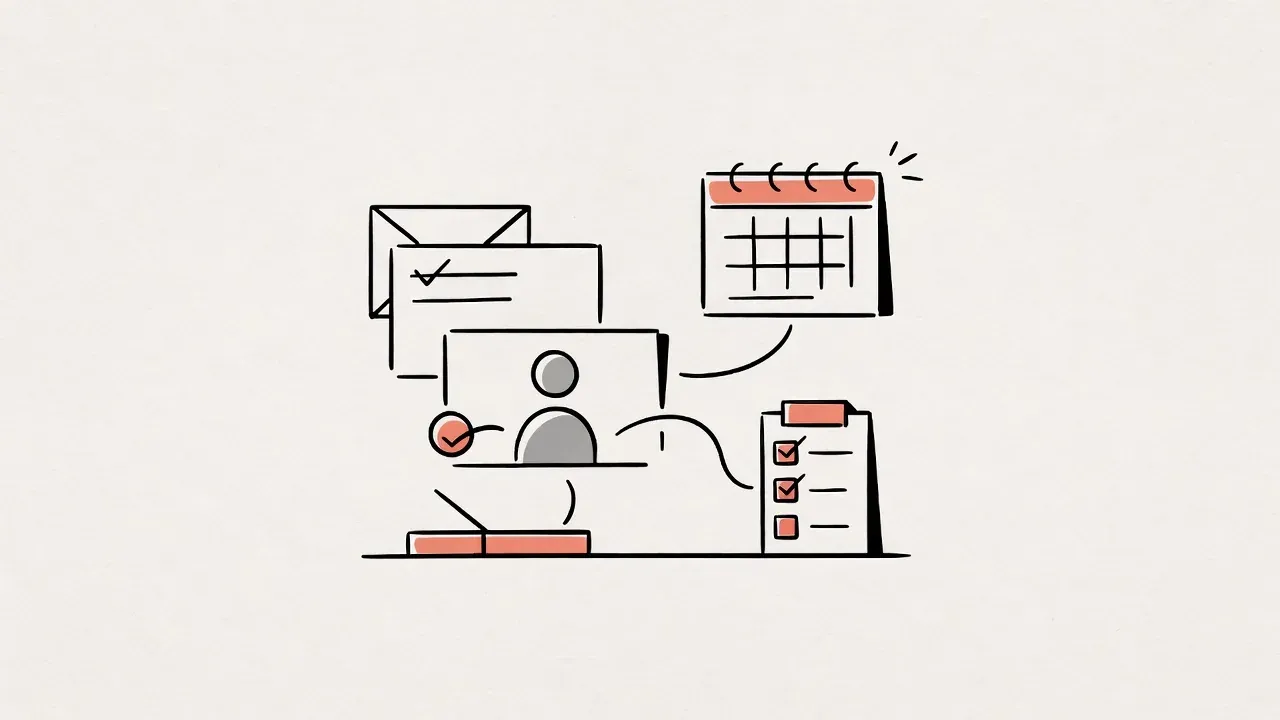
An agent reads a shipping ticket, looks up the Shopify order, drafts a reply in the customer's language, tags the ticket, and escalates anything that smells like a refund fight. That is the job. Not a chat bubble that quotes your FAQ and stops. Not a Zap that only fires when the field names match exactly.
I wouldn't replace your whole ops stack on day one. Or week one. Or month one, honestly. Pick one narrow, repetitive job. Measure a baseline. Run the thing in draft or shadow mode before it ever talks to a customer. Everything else is theatre.
I'm Tom Cobb. I build AI agents and eCommerce automations out of Montreal, mostly for shops and service businesses that are tired of retyping the same work between two apps every afternoon. This is the plain talk I give owners who ask what an agent actually is, where to start, and what published guides say the work tends to cost.
What people mean when they say "agent"
OpenAI's practical guide to building AI agents says agents are systems that independently accomplish tasks on your behalf. I keep coming back to that line. Most of what gets sold as an "agent" is not that.
Here's the thing. Watch one ticket move.
A customer writes in at 2pm: "Where is my order? Tracking says nothing." The model reads the message and decides it needs the order record. A tool pulls the Shopify admin. Another tool checks the carrier. The draft comes back in French because the ticket was in French. Before anything sends, the instructions kick in: no refunds over a dollar limit, no deletes, hand off if the customer is angry. Someone on your team still owns the weird cases.
That is the model, the tools, and the guardrails as one path. Drop any piece and you are back to a chatbot or a script. A FAQ widget that never looks anything up? Chatbot. A single-turn prompt that drafts one email and then sits there waiting for you? Also not an agent. The difference is control of the workflow. An agent keeps going until the job is done, fails safely, or passes control back to a person.
That independence is useful. It is also why you want tight rules around refunds, deletes, and anything that touches customer data. Honestly, most of the risk lives there, not in the model itself.
Chatbot, Zap, or agent?
People mix these up because vendors slap "AI agent" on everything. Look, a support widget that quotes your shipping policy is a chatbot. It answers. A Zap that copies a new Shopify order into a Google Sheet is fixed automation. Same path every time. And that's fine.
An agent is the third thing. It decides steps toward a goal. Messy wording? It usually handles that better than a script, as long as the tools and rules allow it. Touches other systems? Yes, choosing tools as it goes, not only on a rigid map. Best when the process has exceptions and judgment calls.
You do not need the fancier option for every job. If the path is always the same, a simple automation is cheaper and easier to debug. I'd rather ship a boring Zap that works than a clever agent that nobody trusts yet.
Jobs that actually pay for themselves
The projects that pay for themselves are almost never the flashy ones. For most of the owners I talk to, the first win is quieter. Someone on the team stops spending an hour a day on the same copy-paste loop. Nobody outside the company notices. That is the point.
Support triage is a common start. Draft routine replies. Tag the ticket. Park the weird cases for a person. Follow-ups work too: nudge leads or customers who went quiet, then hand off the second someone replies with a real objection.
Order and data entry between systems? That is the one I see most in eCommerce shops around here. Same Shopify order, into the warehouse tool and accounting, without anyone retyping it at 4pm while the inbox is still pinging. Internal reporting can help if you just need last week's numbers in a short summary a manager can skim on Monday. Product copy is another one, with a human sign-off. Draft descriptions in English and French, then an editor publishes. Don't let it go live on its own.
Clinics are a related case. Booking, reminders, and intake often beat a full "AI receptionist" fantasy on day one. I walk through that in AI receptionist for clinics.
What I would skip early: anything that needs deep judgment about money, legal risk, or medical advice with no human in the loop. Start where the inputs are repetitive and the cost of a wrong draft is low. Yes, that sounds boring. Boring is where the ROI usually hides.
How to start without making a mess
I do not have a magic framework. Four habits that keep pilots from exploding, though.
Pick one narrow job
Write it in one sentence. Something like: draft replies to shipping and order-status tickets in English and French, and escalate refunds or angry customers to a person. If you cannot fit it in one sentence, the scope is still too wide. Usually that means three problems at once. The pilot stalls before it teaches you anything.
Record a baseline
Use a number you already track. Average first-response time. Hours on order entry each week. Tickets of one type closed. Without that, you will argue about vibes later. And vibes are a terrible way to decide whether to keep paying for a tool.
Draft or shadow before live
Have the agent draft only, or run in parallel while a person still sends the real reply. Log where it is right, where it is wrong, and why. This is also when you fix messy product data and half-written policies. An agent connected to a mess just automates the mess. To be fair, that cleanup is often half the project. Nobody wants to hear that on day one.
Go limited live with guardrails
One channel. One ticket type. Or one storefront first. Set hard stops: dollar limits, delete bans, PII rules, and a "talk to a person" path that always works even when the agent is confused. OpenAI's guide stresses human intervention when the agent hits failure thresholds or high-risk actions. That advice holds for a five-person shop as much as for a big company.
If you want help scoping that first workflow, I build AI agents for small business around exactly this kind of pilot. One job, clear metrics, and accounts that stay in your company's name.
What published guides say it costs
I am not quoting my own package prices here. These are third-party ranges from pages I checked on October 9, 2026. Currency is as the source states, so ask any vendor which currency they bill in before you treat a number as CAD or USD.
Taylance Tech's 2026 small-business guide puts starter off-the-shelf agent tools at about $50 to $200 per month for one or two SaaS tools. Think a support widget or a scheduler, no developer required. That matches the kind of self-serve plans you see on agent product pages in 2026. Every vendor meters conversations differently, though. Read the limits before you commit.
ChatGPT.ca's 2026 AI consulting rate card lists an Automation Starter at $2,500 to $7,500 (one or two workflows, roughly one to two weeks) and AI agent development at $15,000 to $100,000 (autonomous agent with CRM/ERP integration and monitoring, roughly three to eight weeks). Most small fixed-price SME projects on that same card still land in a broader $5,000 to $15,000 band when the scope is closer to a custom GPT or starter automation than a full multi-system agent.
Read those as market brackets, not a quote. Integration count, data quality, and compliance work (including Quebec Law 25) all move a project up or down. I break down national consulting ranges in how much an AI consultant costs in Canada.
A short Quebec note
If the agent handles personal information about people in Quebec, Law 25 applies even for a small pilot. Plan for where the data lives, who can see conversations, and what happens on an incident. If customers in Quebec see the agent, French has to be first-class, not a machine-translated afterthought. I have seen too many demos fall apart the first time a real French customer writes back. That is general information, not legal advice. For the local hiring and privacy angle, see AI consultant Montreal.
FAQ
What are AI agents, in plain words?
Software that can work through a multi-step job for you using a model, tools, and rules. OpenAI's guide says agents independently accomplish tasks on your behalf. A bot that only answers questions is usually just a chatbot.
How do AI agents differ from chatbots?
Chatbots respond. Agents act. An agent can look something up, update a record, draft a message, and decide whether to stop or escalate, within the guardrails you set. If it cannot touch another system or take a next step on its own, I would still call it a chatbot.
How should a small business use AI agents first?
One job. One metric. Draft mode first. Support triage, follow-ups, and copying orders between systems are common starting points. Expand only after you have watched it be right for a while. Automate five things at once and the pilot dies.
How much do AI agents cost for a small business?
Published 2026 guides put many starter SaaS agent tools around $50 to $200 per month (Taylance Tech). Custom Canadian builds on ChatGPT.ca's rate card run from about $2,500 to $7,500 for a starter automation up to $15,000 to $100,000 for fuller agent development. Your quote depends on scope and integrations. It should.
Do I need a developer on day one?
Not always. If an off-the-shelf tool covers most of the job, try that first in draft mode. Bring in custom work when the agent must live inside your specific systems in ways no product already supports. That is usually when the spreadsheet and the CRM refuse to talk to each other.
Related reading
- How much does an AI consultant cost? (2026 guide)
- AI consultant Montreal: what SMBs should know
- AI receptionist for clinics
Getting a second opinion
If you have picked that first job and want a second look at the scope, the metric, and the guardrails before you buy a tool or ask for builds, book a call with me. We will walk through the pilot on your real stack. You leave with a clearer brief whether you hire me or someone else.
Sources
- OpenAI, A practical guide to building AI agents
- Taylance Tech, AI Agents for Small Business 2026: Costs, ROI & Setup Guide (starter SaaS range $50 to $200/month)
- ChatGPT.ca, AI Consulting Rate Card Canada 2026 (Automation Starter $2,500 to $7,500; AI agent development $15,000 to $100,000)